November 26, 2026
How to Quote Sheet Metal Fabrication
18 min read
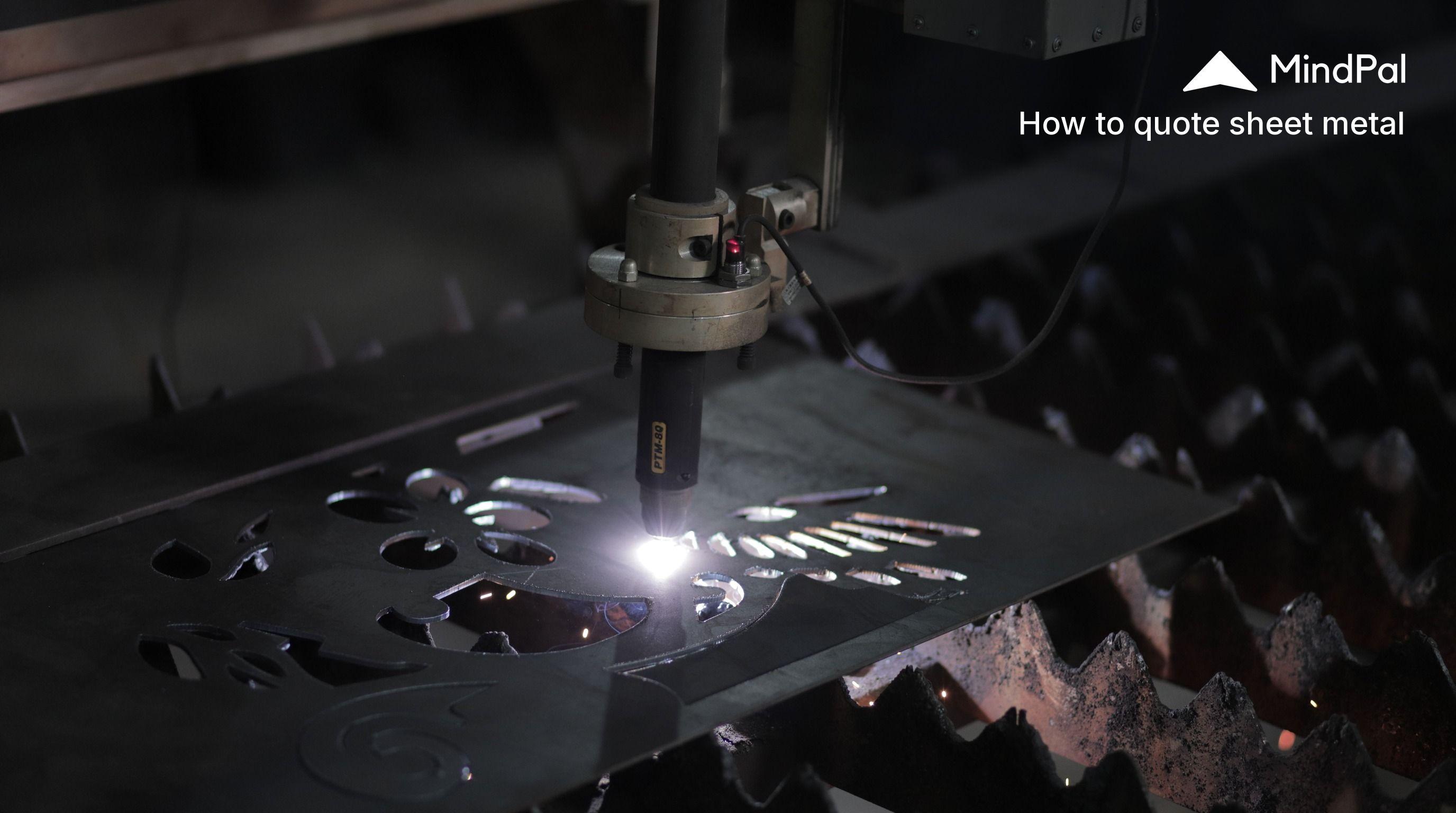
A sheet metal quote is easy to get wrong if you price the finished part as if it were already sitting on the table. The cost lives in the flat blank, the nest, the time on the laser or punch, the time at the brake, and whatever happens after — hardware, welding, finishing — plus the setup you only do once.
This article walks through that build, in the order most fab shops actually quote. It is the method, not a software comparison. For the cost model and rates underneath, see manufacturing estimating software and how to calculate a shop rate. For how a CNC machining quote is built, see how to quote a CNC machining job.
The short answer
A sheet metal fabrication quote prices the flat blank from a nest, not from the finished 3D shape. Then you add cutting or punching time, press-brake setup and bends, hardware or welding, finishing, inspection and margin, with the one-time setup spread over the quantity.
In order:
- Unfold the part and work from the flat pattern
- Cost the material from the nest (sheet price divided by parts per sheet)
- Price cutting or punching at the machine's shop rate
- Price forming: a setup once per job, plus time per bend
- Add hardware, welding, finishing and outside processes
- Spread setup over the quantity, add margin, and write down your assumptions
If you skip the nest or the flat pattern, the material line and the brake line are both guesses.
Start from the flat pattern, not the 3D model
The part the customer holds is bent. The part you cut is flat, and it is larger than any face of the finished piece because the flanges are laid out in one plane. Each bend also takes a little length from the sheet, which is why shops use a bend allowance (or a K-factor) instead of adding up the outside dimensions.
Unfold the model, or ask the customer for the flat-pattern DXF, before you price anything. If all you have is a 3D model, develop the blank yourself and say so on the quote. If all you have is a bent-looking drawing with no flat, ask. What each file type gives you is covered in quoting from a DXF, STEP or PDF.
Holes close to a bend, short flanges, hems and offsets all show up on the flat pattern, and they change both the cut and the form. A quote that starts from the 3D envelope will miss them.
Material from the nest, including yield
Material should be costed from the nest, not from the part's outline.
The reliable method is: nest the parts on the actual sheet size you buy, count how many fit, and take sheet price divided by parts per sheet. That automatically includes kerf, spacing, edge margins and the leftover sheet you cannot use. A part that looks small on a drawing can still waste most of a sheet if it nests badly, or share a sheet tightly with other parts in the same job.
A few things to keep straight:
- Use a current price for the grade and thickness you will actually buy.
- Do not apply a flat scrap percentage as if it were a standard. Yield depends on the part, the sheet and the nest.
- An offcut is only worth something if your shop really keeps remnants and will use them. If it goes in the scrap bin, the job bought the whole sheet.
- For a mixed nest (several parts on one sheet), agree how you will split the sheet cost between the parts, and do it the same way every time.
Write the material line so someone else can follow it: grade, thickness, sheet size, parts per sheet, and whether remnants are credited. For more on yield and remnants, see nesting yield, scrap allowance and material cost.
Cutting or punching
Cutting time is not the same as the length of the outline.
For a laser (or a plasma or waterjet), machine time is cut length divided by cutting speed, plus a time for each pierce, plus rapid moves and any sheet handling. A part with dozens of holes can take much longer than a simple bracket with the same outline. Pricing "per metre" or "per square foot of part" is what hides that. The full laser line, with a placeholder example, is in how to estimate laser cutting cost.
For a punch, the clock is hits, tool changes and repositioning, not cut length.
Then multiply machine time by the shop rate for that work center — the laser rate, not a blended rate for the whole building. How to calculate a shop rate covers why that rate should come from billable hours.
Thickness, material and (on a laser) assist gas all change speed and cost. Use the speeds you actually run, not a brochure figure. Setup for the cutting machine — program, sheet on the bed, first-part check, sorting — is a one-time cost for the job, and it belongs with the other setup, not buried in the per-part time.
Forming on the press brake
Bending is the line many quotes fold into a single guess. Split it the same way you split cutting: setup once, run time per part.
Setup is choosing and loading the punch and die, setting the backgauge, and proving the first part. A part that needs more than one tool station, or a hem or an offset, takes longer to set up.
Run time is the number of bends times the time to place, bend and turn the part, including flips and handling. A small L-bracket is one kind of job. A large, floppy panel that needs two people, or a box that has to be turned between every flange, is another.
Tonnage, marking and tight angle tolerances can add time or special tooling. If the part does not fit your brake — flange too short, bed too narrow, not enough force — stop and say so before you price it.
Charge the brake at the brake's own shop rate. Then spread the setup over the quantity. On a short run, setup is often most of the bending cost. The brake line is broken down step by step in how to estimate press brake bending cost.
Hardware, welding, finishing and outside processes
These are the lines that disappear from a rushed quote and reappear on the job.
- Hardware. PEM inserts, standoffs, nuts and studs have a piece price and an insertion time. Count them from the print, not from memory.
- Welding and assembly. Time at a weld rate, plus fixtures if you have to make them, plus cleaning or grinding after.
- Finishing. Powder, plating, anodizing, painting, silk-screen, grain. If it is done outside, use a current vendor price and add your handling. The vendor's lead time often sets yours.
- Inspection, packaging and freight. First-article checks, any report the customer asked for, and how the parts will ship.
If the print calls for it, it is in the price or it is listed as excluded. Silence is how arguments start.
Setup, quantity breaks and a minimum charge
Programming, machine setup, first-article work and brake setup are paid once per job. The more parts you run, the less of that cost each part carries. Nesting can also improve when the quantity fills a sheet more honestly.
Quote at least two quantities — the one the customer asked for and one above it — so the unit price can change in a way the customer can see. A minimum order charge covers the very small run that would otherwise leave you with all of the setup and almost none of the parts.
Do not quote one piece and one hundred pieces at the same unit price. That either loses the large order or loses money on the small one. The arithmetic is the same idea as on a CNC job quote: divide the one-time costs by the quantity, and leave the per-part costs alone.
What to put on the quote
Make the quote easy to compare and easy to accept.
Include:
- Your shop, the customer, the quote number, the date and how long the price holds
- The part number and revision you quoted
- Material, grade, thickness and finish, and who supplies the material
- The process, in plain words (for example: laser cut and form, or punch, form and powder)
- The price at each quantity, and the total for each
- One-time charges, if you show them separately
- Lead time, counted from the order, including outside processes
- What is not included
- The assumptions you made: the flat-pattern source, the general tolerance you will hold, anything the print left open
- Terms: payment, shipping and how the customer accepts
The assumptions are what let the customer correct a misunderstanding before you cut a sheet. Once quotes are going out, quote win rate shows how to measure which ones turn into orders.
How this differs from quoting a CNC chip-making job
Both kinds of quote are a cost plus a sell price, and both care about setup, quantity and a shop rate you can stand behind. The geometry is different.
A CNC job starts from stock — a bar, plate or billet — and pays for the material you cut away, plus cycle time on a mill or lathe. A sheet metal job starts from a flat pattern and a nest, and pays for the sheet you consume, plus cutting time and forming time. There is no "blank weight" in the same sense, and the usual files are a DXF or a developed blank, often with a PDF drawing, not only a STEP model.
If you quote both kinds of work, keep the two methods separate so a brake setup does not get buried in a machining cycle, and a nest is not treated like a bar yield. The CNC sequence is in how to quote a CNC machining job.
Where software helps, and where an estimator still decides
The slow part is rarely the addition. It is unfolding the part, reading a messy RFQ, building a nest, and applying the same rates every time.
Software can take the reading and the sums off the desk: develop a blank, apply your rates, and produce a breakdown. It does not decide whether a flange is formable on your brake, whether a nest is good enough, or whether the lead time is one you can keep. Those stay with the estimator.
MindPal Forge is MindPal's quoting and estimating product for US and Canadian metal fabrication shops and machine shops. It reads the files shops actually receive, including PDF, DXF, STEP, IGES, STL, scans, photos and ZIP packs, and calculates a cost from your machines, materials and rates. The estimator reviews the breakdown, adjusts it and sends the quote.
You can upload a DXF, STEP or PDF to the instant quote demo and see an itemized estimate, with no signup. That demo is a way to judge the reading and the costing, not a substitute for loading your own rates. If you want it set up on your machines, talk to us about a shop pilot.
For what to look for in a fab-shop quoting tool, see sheet metal quoting software. For how Forge compares with other tools, see the manufacturing quoting software comparison. For the software side of a job-shop inbox, see job shop and machine shop quoting software. Earlier notes on sheet metal quoting workflows and flat-sheet quoting are background on the same problem.
Frequently asked questions
How do you quote a sheet metal part?
Start from the flat pattern, cost the material from the nest, then add cutting or punching time, press-brake setup and bends, hardware or welding, finishing, inspection and margin. Spread the one-time setup over the quantity, and state the revision, the assumptions, the lead time and how long the price holds.
Why does the quote use the flat pattern instead of the 3D model?
The machine cuts a flat blank. That blank is larger than any face of the bent part, because the flanges are laid out flat and each bend takes its own length from the sheet. Pricing from the 3D envelope understates material and can miss holes or flanges that only show up once the part is unfolded.
How should material scrap be included?
Cost the sheet from the nest: sheet price divided by parts per sheet, after kerf, spacing and edge margins. That is the scrap that actually happens. A flat scrap percentage will over-price some parts and under-price others. Only credit an offcut if your shop truly keeps and reuses remnants.
Does a bent part cost more than a flat part with the same outline?
Usually, yes. The flat blank is developed, not copied from a face of the model, so the material can be different. Then you add brake setup and time per bend. A quote that prices only the cut will lose money on almost every formed part.
What must a sheet metal quote state besides unit price?
The part number and revision, material and thickness, the process, prices at each quantity, lead time from the order, how long the price is valid, terms, and what is not included. Also state your assumptions, including how you got the flat pattern and who supplies the material.
How is a fab quote different from a CNC machining quote?
A fab quote is built from a flat pattern, a nest and time on cutting and forming machines. A CNC machining quote is built from stock size, material removed, and time on a mill or lathe. Both use a shop rate, setup and quantity breaks, but the geometry and the files are not the same. We walk through the CNC version in how to quote a CNC machining job.
Share this blog post via
Read other articles
1 / 0
SOLUTIONS
CLIENTS
INSIGHTS

This site is protected by reCAPTCHA and the Google Privacy Policy and Terms of Service apply.
Copyright © MindPal 2026. All Rights Reserved.