November 26, 2026
How to Calculate a Shop Rate for a Job Shop or Fab Shop
17 min read
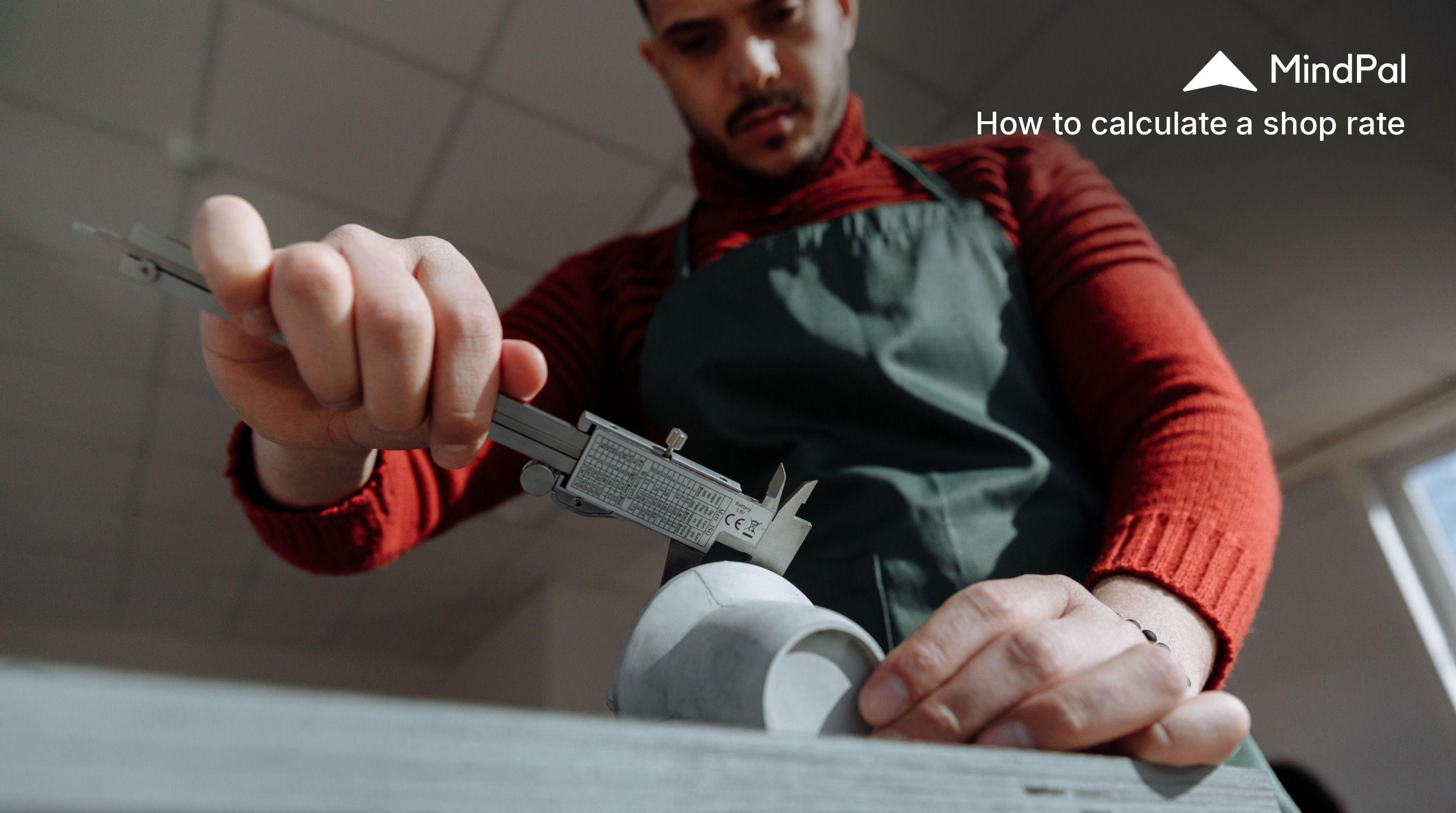
Every line of a quote that involves a machine or a person is hours multiplied by a rate. If the rate is wrong, every quote is wrong in the same direction, and you will not see it until the jobs come back and the money does not.
That is why the shop rate is worth an afternoon with a spreadsheet and your last year of numbers. This article walks through how to build it, in the order most shops end up doing it, and where the usual mistakes are.
If you want to see how a rate file is used once you have one, our guide to manufacturing estimating software covers how a cost is built from material, setup, cycle time and rates. For the software side of quoting, see job shop and machine shop quoting software.
The short answer
A shop rate is what one billable hour at a work center costs you: the loaded cost of the people, the machine's own running costs and a share of the shop's overhead, divided by the hours that actually get charged to jobs. Add the margin the shop needs and you have the sell rate you quote with.
In one line:
- Cost rate = loaded labor + machine cost + overhead, each per billable hour
- Sell rate = cost rate ÷ (1 − target margin)
Two details do most of the damage when they are wrong. One is counting paid hours instead of billable hours. The other is using one blended rate for every machine in the building.
Cost rate vs. sell rate
The cost rate is the break-even number. If you billed every hour at the cost rate, the shop would cover its costs and make nothing.
The sell rate is the cost rate plus the profit you want on each hour. Shops say "markup" and "margin" as if they were the same thing, and they are not. A 20% markup on a cost of $100 is $120. A 20% margin on the selling price means the cost is 80% of the price, so the price is $100 ÷ 0.80 = $125. Pick one definition, write it down, and use it everywhere. If you add margin when you build the rate, do not add it again at the end of the quote.
Some shops keep the rate at cost and put all margin on the quote instead. That also works. What does not work is having an estimator who thinks the rate already includes margin and another who thinks it does not.
What goes into a shop rate
Most shop rates are built from three parts. The names vary from shop to shop. The idea is the same.
Loaded labor
This is what an operator costs the business, not what appears on the pay stub. Start with the hourly wage and add the costs that come with employing someone: payroll taxes, benefits, workers' compensation and other insurance, and paid time off. Your accountant or your payroll provider can give you the real burden for your shop. Do not borrow a percentage from an article.
Then divide the yearly cost of the operator by the hours that operator is billed to jobs, not the hours the operator is paid. That is the next section, and it changes the answer more than most people expect.
Machine cost
This is what the machine costs to own and run whether or not a job is on it:
- Depreciation, or the lease or loan payment
- Maintenance and the service contract
- Power, and gas where the machine uses it
- Floor space, if you charge it to the machine rather than to general overhead
Tooling and consumables need a decision. You can put an average into the machine rate, or you can charge them as a separate job cost line. Either is fine. Choose one, or you will count them twice.
Overhead
Overhead is every cost you cannot trace to a single job: building rent or mortgage, utilities for the building, insurance, supervisors and other indirect staff, estimating, purchasing, scheduling, quality, software, accounting and administration.
Add up the year, divide by the total billable hours across the shop (or by machine hours, if your shop is machine-driven), and you have an overhead cost per billable hour. Watch for overlap. If floor space is already in the machine cost, do not load it again here.
Billable hours, not clock hours
A machine tool does not earn money for the hours it is switched on. It earns money for the hours that end up on an invoice.
Start from the hours the person or machine is available in a year. Take out holidays and time off. Then take out the time that does not get charged to any job: waiting for material, waiting for an inspection, rework, cleaning, training, maintenance, and idle time between jobs. What is left is the billable hours. The share of available hours that end up billable is often called utilization.
This matters because the cost of a machine and an operator is mostly fixed. If the cost stays the same and the billable hours drop, the cost of each billable hour goes up. A shop that sets its rate from the hours it hopes to run will under-recover every time the schedule is slower than the plan.
Be honest about setup. If you charge for setup, setup hours are billable hours. If setup is treated as a free cost of doing business, it still takes machine time, and the rate has to cover it.
Why each work center needs its own rate
A fab shop with a laser, a press brake, a welding bay and a finishing line does not have one cost per hour. It has four. A five-axis mill and a manual lathe in the same machine shop do not cost the same to own, to run or to staff.
A single blended rate is easy to maintain, and it is wrong in both directions. It makes expensive machines look cheaper than they are, and cheap work look dearer. A job that spends most of its time on the expensive machine is under-quoted. A job that spends most of its time on the simple one is over-quoted and gets lost.
Some other splits are worth considering:
- Setup rate and run rate. Setup often needs a more experienced person than running the second hundred parts.
- Attended and unattended time. A machine that runs unattended for part of a shift does not carry a full operator for those hours. If one operator tends two machines, split that labor between them.
- Prototype and production. Some shops charge a different rate for one-off work that needs an experienced hand.
Do not split further than you can maintain. Five rates you update are better than twenty you do not.
A worked example (illustrative numbers)
The numbers below are round placeholders chosen to make the arithmetic easy to follow. They are not market rates, benchmarks or a recommendation. Use your own shop's figures.
Say one CNC milling cell has these yearly inputs:
| Input | Illustrative value | Per billable hour |
|---|---|---|
| Operator, fully loaded cost per year | $75,000 | $75,000 ÷ 1,500 = $50.00 |
| Machine: depreciation, maintenance, power | $45,000 | $45,000 ÷ 1,500 = $30.00 |
| Overhead pool for the whole shop | $600,000 | $600,000 ÷ 15,000 total shop billable hours = $40.00 |
| Cost rate | $50 + $30 + $40 = $120.00 per hour |
The 1,500 billable hours for the cell come from an assumed 2,000 available hours at an assumed 75% utilization. The 15,000 is an assumed total across every cell in the shop.
Now add margin. At a 20% target margin on the selling price:
- Sell rate = $120 ÷ (1 − 0.20) = $120 ÷ 0.80 = $150 per hour
- A 20% markup on cost would give $120 × 1.20 = $144 per hour, which is a different number
Next, see what a slow year does to the same cell. If it bills 1,000 hours instead of 1,500, and nothing else changes, the machine cost per billable hour rises from $30 to $45 ($45,000 ÷ 1,000). The operator's cost per billable hour rises from $50 to $75, if that operator is paid either way. The shop's rate was set for a busy year, and it recovers less than it should in a quiet one.
That is the reason to revisit the numbers, not just set them once.
How often to revise the rate
Treat the rate file as something with an owner and a review date, not as a number someone typed in once.
Review it when:
- You buy, lease or retire a machine, or move a machine to a different job mix
- Wages, benefits, insurance, rent or utility costs change in a way you can see on the P&L
- Utilization on a work center changes for a few months in a row
- You start or stop a shift
- The end of your financial year arrives, and you set next year's budget
The most useful check is to compare closed jobs. Take a handful of recent jobs where you know the actual hours. If the quoted hours and the actual hours differ in the same direction again and again, the problem is the time estimate or the rate, and now you know which to look at. Our guide to manufacturing estimating software describes the same test for a software estimate.
Where the rate sits in estimating and quoting software
Estimating and quoting tools do not know what your hour costs. They multiply time by the rates you load. A careful tool can measure a part well and still give a cost you would not stand behind if the rate file is out of date.
MindPal Forge is MindPal's quoting and estimating product for US and Canadian metal fabrication shops and machine shops. It calculates a cost from your machines, materials and rates, and the estimator reviews the breakdown before the quote goes out. The rates are still yours to get right, which is why this article comes first.
If you want to see what an itemized estimate looks like on one of your own parts, you can upload a DXF, STEP or PDF to the instant quote demo, with no signup. If you want Forge set up on your machines and your rate file, talk to us about a shop pilot.
For how Forge compares with other tools, see the manufacturing quoting software comparison.
Frequently asked questions
What is a shop rate in a job shop or fab shop?
A shop rate is the cost of one billable hour at a work center. It combines the loaded cost of the operator, the machine's own costs and a share of overhead, divided by the hours that get charged to jobs. The sell rate adds the margin the shop needs. Estimators multiply time by the rate to cost an operation.
How do you calculate a machine hourly rate?
Add the machine's yearly costs (depreciation or lease payment, maintenance, power and gas, and floor space if you charge it there), add the loaded labor that runs it and a share of overhead, then divide by the hours the machine is billed to jobs in a year. Use billable hours, not the hours it is switched on. Then add margin to get the sell rate.
Should every machine use the same shop rate?
No. Machines differ in what they cost to own, run and staff, and they differ in how much of the day they are attended. A single blended rate under-prices work on expensive machines and over-prices work on cheap ones. Start with one rate per work center, such as laser, brake, mill, lathe and weld, and split further only where you can keep the rates up to date.
What is the difference between a cost rate and a sell rate?
The cost rate is what an hour costs the shop. Billing at the cost rate means breaking even. The sell rate adds the profit the shop wants on each hour, usually as cost ÷ (1 − target margin). Markup and margin give different numbers, so decide which one the shop uses and apply it in one place only.
How do utilization and downtime change the shop rate?
Most of the cost of a machine and an operator is fixed. When billable hours fall and the cost stays the same, the cost of each billable hour rises. A rate set on an optimistic number of hours under-recovers in a slow period. Set the rate from the hours you can actually bill, and review it when utilization moves.
How often should a shop update its rates?
Review them at least once a year, when the budget is set, and whenever something material changes: a new or retired machine, a change in wages, insurance, rent or utilities, a different shift pattern, or a sustained shift in utilization. A good habit is to compare quoted hours with actual hours on closed jobs and look for a consistent gap.
Share this blog post via
Read other articles
1 / 0
SOLUTIONS
CLIENTS
INSIGHTS

This site is protected by reCAPTCHA and the Google Privacy Policy and Terms of Service apply.
Copyright © MindPal 2026. All Rights Reserved.