November 25, 2026
Job Shop and Machine Shop Quoting Software: From Print to Price
19 min read
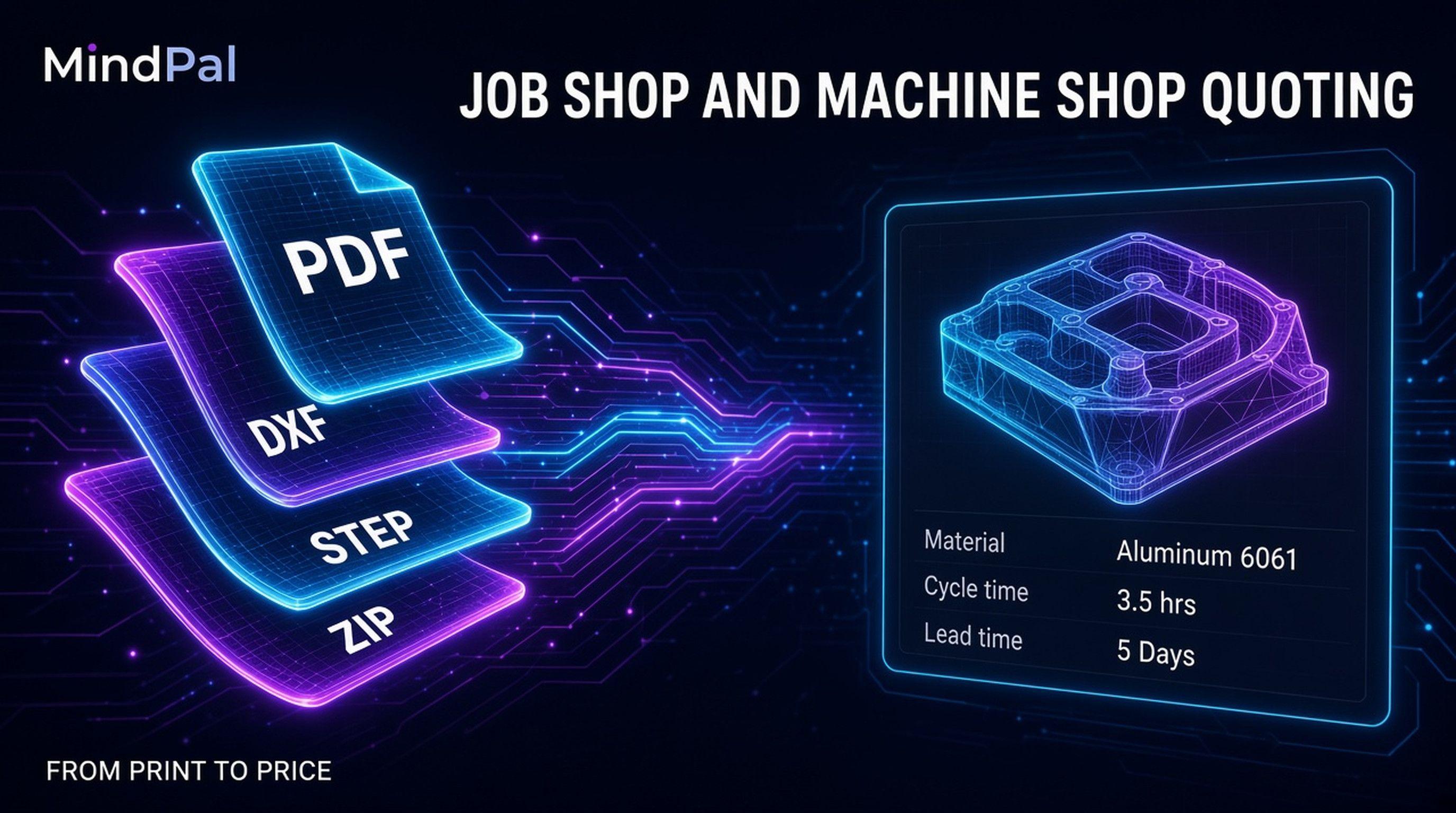
A job shop's Monday inbox rarely contains one clean 3D model. It contains a PDF, a scan, a STEP file with more bodies than the email mentioned, and a note that says "same as last time, but in 304." The quote is due yesterday. The estimator is already on the floor.
Job shop quoting software — and machine shop quoting software, which is the same problem under a slightly different search — is built for that inbox. It has to read the files you actually receive, price the work on your machines and rates, and get a number in front of the estimator before the buyer has already given the job to someone who answered first.
This article is about that path, from RFQ to a priced quote. It is not a ranked list of vendors. For that, see our comparison of manufacturing quoting software. For the cost model underneath the quote — shop rates, cycle time, material and outside work — see manufacturing estimating software.
The short answer
Job shop and machine shop quoting software is for shops that price custom work from customer drawings, not for manufacturers who configure a catalog.
The tool has to do three things well. It has to accept mixed files (PDF, DXF, STEP, and often a ZIP or a scan). It has to apply your rates, not a generic price list. And it has to leave an estimator in control of the number that goes out. Everything else — pretty PDFs, portals, quantity breaks — is useful only after those three are true.
If your customers or dealers pick options from a catalog, you are looking for CPQ, not a job-shop quoter. That split, and the tools on each side of it, is covered in the quoting software comparison.
How a job shop quote actually gets built
The work starts when the request arrives, not when someone opens a pricing form.
Someone has to sort what was sent: which files are the part, which are the assembly, which revision is current, and whether the email contradicts the print. Then someone has to understand the part well enough to plan operations — mill, turn, laser, bend, weld, finish — and to notice what is missing. Then comes the cost, then the sell price, then a quote the customer can read.
In a lot of shops, those steps still live in one person's head and in a folder of spreadsheets. That works until the inbox piles up, or until that person is on the floor, or until two people quote the same kind of part and the customer gets two numbers.
A job shop quoting tool does not remove those steps. It takes the reading and the arithmetic off the estimator's desk so the estimator can spend time on the judgement: is this rate right, did we miss an operation, can we actually make this by the date on the email? The quote should be reviewed, not retyped.
Turnaround matters because buyers do not wait politely. A careful number that arrives after the order is placed is not a quote. It is a post-mortem. Software helps only if it shortens the time from "file received" to "estimator looking at a draft price," without hiding the assumptions behind that price.
What machine shop quoting software has to accept
Look at the last ten RFQs you quoted, not the one you would use in a software demo.
Many machine-shop and fabrication requests still arrive as a PDF print, sometimes a scan or a photo of a drawing, sometimes a DXF for the profile and a note about thickness, sometimes a STEP or IGES model, and often a ZIP with some combination of the above and no bill of materials. An assembly may be dozens of bodies, not all of which are in the order.
Quoting software for a machine shop that only opens a clean 3D model will stall on a large share of that inbox. A job shop quoting tool worth buying should accept, at least:
- 2D drawings (PDF, and DXF or DWG when you have them)
- 3D models (STEP, and commonly IGES or STL)
- Scans and photos, with the expectation that someone will still check dimensions
- Mixed packs (ZIP files, several parts, mixed formats)
It should also let you change quantity, material or thickness and see the price move, and it should produce a breakdown the customer — or your own salesperson — can follow. Machine shop sales quoting software is the phrase some teams use when the problem is less "can we cost this" and more "can we get a consistent number in front of the buyer today."
File support is not a feature list to admire. It is a filter. If your customers send PDFs, ask the vendor to price one of your PDFs, live, before you talk about anything else.
Why spreadsheets stall a job shop
Spreadsheets are familiar, flexible and already paid for. Plenty of well-run shops still quote from them. They start to fail in predictable ways when volume rises or when more than one person has to quote.
The geometry is typed in by hand, so a missed hole or a wrong thickness becomes a missed cost. Each estimator keeps a slightly different copy of the rate file. A "same as last time" job gets quoted from memory, and last time was a different grade, or a different quantity, or a different outside vendor. The quote PDF is a separate chore, so it goes out later than the number was ready. When a job comes back over budget, there is no breakdown to compare with the shop floor.
None of that means you have to throw the spreadsheet away on Tuesday. It means the spreadsheet is a poor place to read a drawing, a poor place to keep a single rate file, and a poor place to turn a cost into a customer-facing quote under time pressure. For the cost-model side of that problem, the estimating software article goes into rates and actuals in more detail.
A practical test: if only one person is allowed to send a quote from the current spreadsheet, you do not have a process. You have a bottleneck with a .xlsx extension.
Job shop vs. machine shop: the same problem, slightly different files
People search for "job shop quoting software" and "machine shop quoting software" as if they were two markets. In practice they are the same kind of shop looking at the same kind of tool.
A machine shop is often pricing milling, turning, grinding or Swiss work from a model or a dimensioned print, with cycle time as the heavy number. A fabrication job shop is often pricing laser, punch, bend, weld and finish from a flat pattern, a weldment or a mixed pack, with material and process mix as the heavy numbers. Many shops do both.
The quoting software question is the same in both cases. Can it read the files you get? Can it price the work on your work centers? Can your estimator approve the result in time to win the job? A tool that is excellent for a clean CNC model and weak on a scanned fabrication print will frustrate a fab shop, and the reverse is also true. Ask for a pilot on your mix, not on the vendor's sample parts.
Custom metal work makes this sharper. Multi-part assemblies, secondary operations and "make this like the last one, except…" are normal, not edge cases. If a job shop quoting tool assumes one body, one material and one operation, it will only quote the easy third of your inbox.
For a closer look at quoting CNC work without leaking margin, see our practical CNC quoting guide.
Where MindPal Forge fits
MindPal Forge is built for US and Canadian metal fabrication shops and machine shops that quote custom parts from customer drawings. It is not a CPQ tool for catalog equipment.
You drop in the PDF, DXF, STEP, scan or ZIP the customer sent. Forge reads the documentation and the geometry, measures the parts, and prices them with your machines, materials and rates. The estimator reviews the breakdown, adjusts what needs adjusting, and sends the quote. Your drawings stay in your workspace; they are not used to train public models.
If you want to see what that looks like on a real file, upload a DXF, STEP or PDF to the instant quote demo. It takes about 30 seconds and does not require a signup. The demo uses a sample rate file, so treat it as a test of the read and the breakdown, not as your shop's sell price. To run Forge on your own rates, talk to us about a pilot.
For how Forge sits next to other job-shop and machine-shop tools, use the manufacturing quoting software comparison.
Find shops, suppliers and materials
Quoting software is for the shop that has to price the work. If you are still looking for a shop to run the work — or for material and a supplier — MindPal also keeps a directory of US and Canadian machine shops, plus metal suppliers and a materials library.
You can browse by region, including California, Texas, Ontario and Alberta. Listings are a starting point; confirm capabilities and capacity with the shop before you send a print.
What to look for in job shop quoting software
Skip the feature matrix until you have watched the tool quote one of your own RFQs. Then ask:
- Did it read the pack you actually received? Not a polished sample model — a PDF, a mixed ZIP, a scan, whatever landed last week.
- Are the prices on your rates? If the demo only runs on the vendor's numbers, you have not seen a quote yet.
- Can the estimator change the result? Add an operation, correct a material, override a rate, and reject a bad read before anything is sent.
- Does a quantity or material change recalculate cleanly? You will be asked for breaks and for "what if we use 316?"
- What does the customer receive? A breakdown your salesperson can explain is more useful than a single lump price with no trail.
- How does it fit the systems you already have? Most shops do not want to replace their ERP. They want a quote that can be exported or handed off without retyping.
- What does a pilot cost in time? A self-serve demo can be useful the same day. Setting the tool up on your machines and rates takes longer, and that is the work that matters. Ask who does it, and how many of your own RFQs you will run before you commit.
When you are ready to compare specific products, including which vendors publish a price, go to the 13-tool quoting software guide. There is no single best quoting software for machine shops; the right one is the one that can price your mix, on your rates, with your estimator still in charge.
Frequently asked questions
What is job shop quoting software?
Job shop quoting software prices custom, build-to-print work from customer drawings and models. It is used by estimators in job shops and machine shops to go from an RFQ to a priced quote, using the shop's own machines and rates. It is not the same as CPQ software, which prices catalog products from options and rules.
What should I look for in machine shop quoting software?
Start with file support (PDF, DXF and STEP at a minimum, plus scans and mixed packs if that is what you receive), a cost breakdown on your rates, and a way for an estimator to review the quote before it is sent. Then compare tools on your own RFQs. Our manufacturing quoting software comparison lists job-shop and machine-shop options side by side, including published prices where vendors provide them.
Can machine shop quoting software read a DXF, STEP or PDF?
The better tools in this category can. Many RFQs still arrive as a PDF print or a mixed pack, so a product that only opens a 3D model will miss a lot of real work. MindPal Forge accepts PDF, DXF, STEP, IGES, STL, scans, photos and ZIP packs. You can try a DXF, STEP or PDF in the instant quote demo.
How is a machine shop quote different from a catalog or CPQ quote?
A machine shop or job shop quote starts with a customer's part and builds a price from material, machine time and outside services. A catalog or CPQ quote starts with a product the manufacturer already sells, and the price comes from options, rules and a price list. If your customers send drawings, you need the first kind of software.
How long does it take to quote a job with software?
A self-serve demo can return an itemized estimate in about 30 seconds on a single file. That is a starting point, not a finished shop quote. A quote you would actually send still needs your rates loaded and an estimator to review it. The time you should measure is the time from RFQ received to a reviewed quote out the door, on your own work, not the time a vendor's demo spends on a sample part.
What's the difference between machine shop quoting software and machine shop estimating software?
Estimating builds the cost (material, setup, cycle time, labor, outside work). Quoting turns that cost into a customer price and a document or portal page to send. Most job-shop and machine-shop tools do both. If your costs disagree from one estimator to the next, start with the estimating side. If the cost is trusted and the quote is just slow to leave, the workflow in this article is the constraint.
Share this blog post via
Read other articles
1 / 0
SOLUTIONS
CLIENTS
INSIGHTS

This site is protected by reCAPTCHA and the Google Privacy Policy and Terms of Service apply.
Copyright © MindPal 2026. All Rights Reserved.