September 29, 2026
Quoting Software for Manufacturing: How to Pick the Right Category First
24 min read
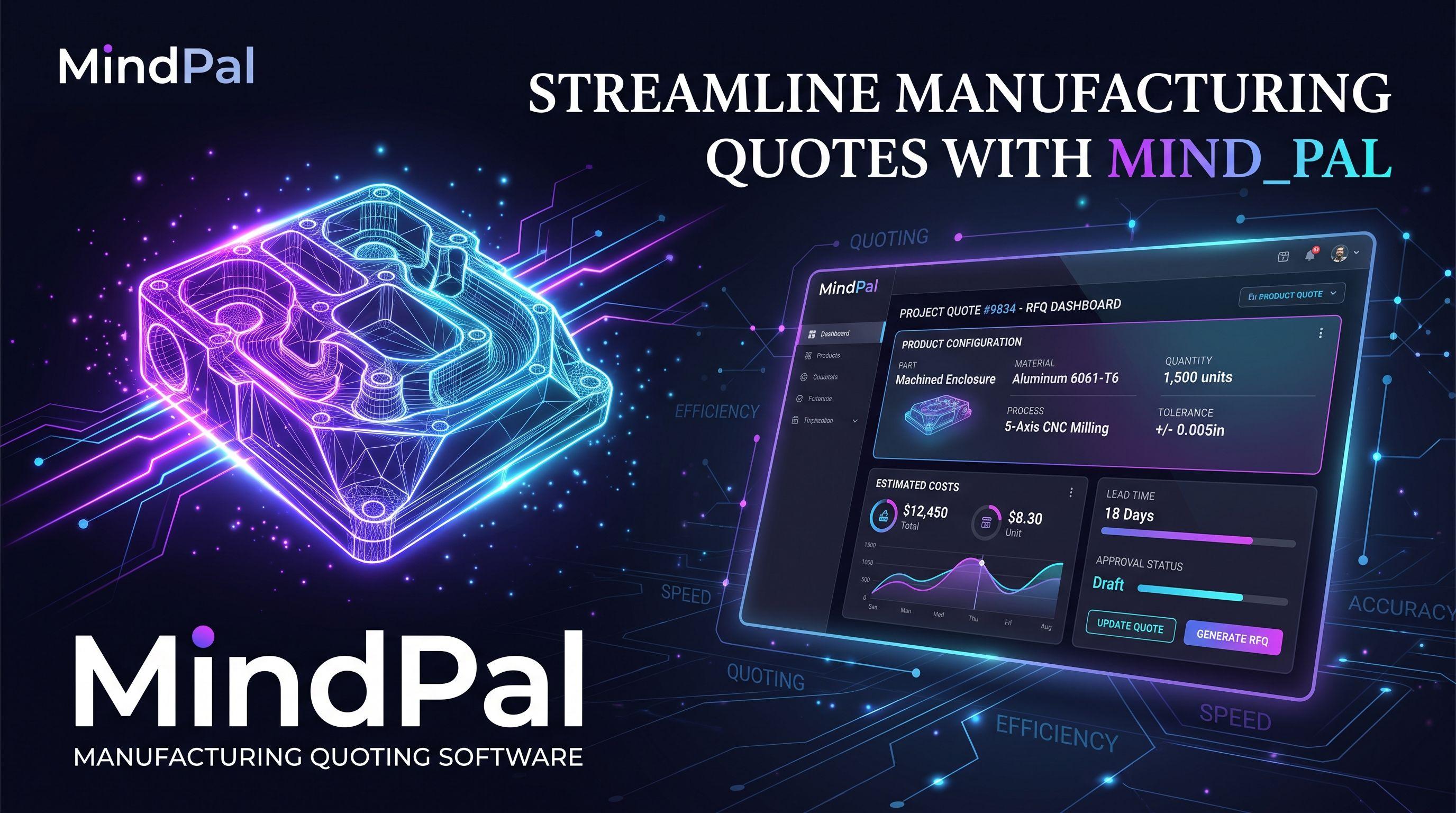
On the same Monday, two manufacturers sign for something called quoting software.
The first runs a CNC shop. Customers email prints, an estimator opens the model, and the price is whatever the geometry says it costs: cycle time, material, a finishing vendor across town. The second builds configurable equipment and sells it through a hundred and thirty dealers. Nobody sends them a drawing. A dealer picks options from a catalog, and the price falls out of product rules and a channel price list.
Six months later, one of them is quoting in minutes and the other is fighting the tool. Which one depends entirely on whether the software they bought understood their kind of quote.
Search results treat these as one category. They are not. Get it wrong and you have not wasted a subscription, you have wasted an implementation and a year of your sales team learning a system that cannot describe your product.
This guide splits the market in two, walks through the five software categories that serve them, and compares nine tools by what they actually do. There is no ranking. The right answer depends on which of those two Mondays looks like yours.
The Two Kinds of Manufacturing Quoting
Build-to-Print and Job Shop Quoting
Build-to-print and job shop quoting involves intricate calculations based on unique customer specifications, often starting with a 3D model, print, or a comprehensive Request for Quote (RFQ) package. In these scenarios, the manufacturing quote software must excel at precise costing, factoring in cycle time multiplied by shop rate, material costs, and any outside services. The process is typically handled by an estimator or engineer, with turnaround times ranging from hours to days, depending on the complexity of the part. Key integrations for this type of quoting software for manufacturing include CAD file analysis and robust ERP job routing capabilities, ensuring accurate quotes and efficient manufacturing processes.
Configure-to-Order Quoting
Configure-to-order quoting, by contrast, begins with a customer need or selection from a predefined catalog, focusing on product rules, option pricing, and channel or dealer price lists. This type of manufacturing quoting software is designed to automate and streamline the creation of accurate quotes for complex products, often generating instant quotes. Sales representatives or dealers can produce these manufacturing quotes in minutes, without requiring direct engineering assistance. Critical integrations for configure-to-order CPQ software for manufacturing include ERP for bill of materials (BOM) generation, CRM for opportunity management, and a dealer portal for channel partners, ensuring consistent pricing and configuration across the sales team.
Side-by-Side: What Actually Differs
The difference is not a matter of degree. The two processes take different inputs, involve different people, and draw price from different places.
| Build-to-print / job shop | Configure-to-order | |
|---|---|---|
| What starts the quote | A customer's 3D model, print, or RFQ package | A customer need or an option selection from your catalog |
| Who produces it | An estimator or engineer | A sales rep, or the dealer, without engineering help |
| Typical turnaround | Hours to days, depending on part complexity | Minutes, if the rules are modelled correctly |
| Where the price comes from | Cycle time × shop rate + material + outside services | Product rules, option pricing, and channel or dealer price lists |
| Integration that matters most | CAD file analysis and ERP job routing | ERP for the BOM, CRM for the opportunity, dealer portal for the channel |
| Tools in this category | Paperless Parts, DigiFabster, Costimator, Steelhead | Epicor CPQ, Tacton, Cincom, Configure One, DELMIAworks |
Signs Your Quoting Process Has Outgrown Spreadsheets
The Same Product Priced Differently by Two Reps
A customer calls two of your people in the same week and gets two numbers. Neither rep did anything wrong. One used last quarter’s spreadsheet, the other applied a discount he remembered being approved for a similar job.
You find out when the customer forwards both emails. What that costs is not the margin on one order, it is the discovery that your price is negotiable, and buyers remember that longer than you do.
Dealers Waiting Days for a Number
A dealer promises a homeowner a price by Thursday. Your engineer is on the floor solving a real problem and gets to the request Friday afternoon.
By then the homeowner has a number from someone else. Manual quoting turns your best technical person into the bottleneck between a ready buyer and an order, and the dealer quietly starts leading with the competitor who answers same day.
Material Price Changes That Mean Manual Rework
Steel moves four percent. Someone now opens forty spreadsheets.
Half get updated that afternoon. The rest get updated when a quote comes back for revision, or never. Every file that slips through prices work at last quarter’s cost, and the shortfall does not appear in a report, it appears in the margin you thought you had.
An Engineer Signing Off on Every Quote
Approval on complex configurations is sensible. Approval on all of them is a symptom.
It means the rules that decide what can be built live in one person’s head rather than in a system. Your sales team cannot move without them, the quote queue grows in the exact weeks you are busiest, and the day that engineer takes two weeks off, quoting stops.
Five Categories of Quoting Software
ERP Quoting Modules
The quoting screen you already own. Because it shares a database with production, inventory management and scheduling, it prices from real-time production costs rather than a copy of them, and an accepted quote becomes a work order without anyone retyping a part number.
What it does not do is argue with the rep. ERP quoting modules price what they are told to price, which for a manufacturing business selling catalog items is enough. Most mid-market manufacturing software ships something along these lines.
Estimating and Costing Software
Built for the shop that quotes from a customer print. Manufacturing estimating software reads geometry, calculates cycle time, setup, labor rates and material, then adds the outside services. Quoting and estimation sit in one place, which is how they produce numbers you can defend in a negotiation and hold competitive pricing without guessing.
They know everything about how a part is made and nothing about a product catalog. Ask one to price option B differently because the customer chose option A and it has no idea what you mean.
CPQ Platforms
The category that exists because of that last sentence. A CPQ platform holds a rules engine, so product configuration is validated before pricing rules ever run, and combinations the plant cannot build are refused outright. This is what separates a real configurator from traditional CPQ tools bolted onto a catalog.
That is the whole value, and it is also the whole cost. Somebody has to teach it your product.
Proposal and Document Tools
These make the quote look good. They handle layout, e-signature and follow-up, and they are genuinely useful at the end of the sales process.
They rank for this search anyway, which is worth knowing before a demo. A proposal tool will not tell you that the configuration is invalid, because it never saw a configuration.
Custom-Built Quoting Engines
Software written around your product instead of the other way round. The rules match how your engineers actually think, and the integrations point at whatever systems you happen to run. For custom manufacturing with unusual logic, a purpose-built manufacturing quotation software can express things no platform models natively.
It costs more up front and it is yours to maintain. Whether that trade works depends on scale and on how unusual your product logic is, which is the subject of the last section.
Nine Quoting Tools, Grouped by What They Quote
Tools for Build-to-Print and Job Shop Quoting
Grouped by category, not ranked. Pricing is listed only where the vendor publishes it.
Paperless Parts. Analyzes uploaded CAD files to identify features, setups, and manufacturability problems, then applies your own pricing formulas. Integrates with shop-floor ERPs including E2, JobBOSS², Epicor, MIE Trak Pro, and Infor VISUAL, and pulls live material pricing from partners such as OnlineMetals. Backed by a $30M Series B, so the roadmap is well funded.
Best for: CNC machining, Swiss screw, and sheet metal shops quoting from customer prints.
Limitation: No published pricing. Quotes are scoped around headcount, RFQ volume, and modules. Capterra reviewers flag assembly building and linking as an area still catching up. No rules engine for catalog products, so it cannot price a configurable product line.
DigiFabster. Instant-quote widget you embed on your own site: the customer uploads a model, picks material and finish, and gets a price. Supports STL, STEP, IGES, DXF, DWG and others, covers CNC, laser cutting, sheet metal and additive, and auto-repairs common file defects. The only tool here with a fully published price list.
Best for: Service bureaus and prototype shops that want customers self-serving online.
Limitation: Plans meter quotes at 100, 300, or 1,000 per month depending on tier, with per-quote overage above that. ERP and CRM integrations (SAP, Salesforce, HubSpot, Pipedrive) require a longer-term commitment rather than a monthly plan. Reviews are polarized, so benchmark the pricing engine against known jobs during the trial.
Costimator (MTI Systems). The oldest tool here, shipping since 1982. Comes preloaded with hundreds of industry-validated cost models covering speeds, feeds, setup and tool-change times, so estimators inherit standards rather than building them. The 3Dfx add-on reads CAD files to drive time and cost. Integrates with E2, Epicor, and LillyWorks.
Best for: Shops that want defensible should-cost numbers, and OEMs benchmarking supplier quotes.
Limitation: The cost database is yours to maintain. Accuracy degrades if nobody updates rates. It is a costing engine first; customer-facing quote delivery and follow-up are thin compared with Paperless Parts.
Steelhead Technologies. Purpose-built for metal finishing: powder coating, plating, anodizing, and heat treating. Quoting sits inside a full shop ERP covering scheduling, tracking, QMS, and invoicing. AI order entry extracts customer, part, and fee data from uploaded POs. The vendor claims deployment in around two weeks.
Best for: Finishing job shops replacing spreadsheets and paper travelers.
Limitation: Locked to its vertical. A Software Advice reviewer notes the system cannot be fully customized to an individual business. You adapt to Steelhead’s workflow more than the reverse.
Tools for Configure-to-Order Quoting
Epicor CPQ (formerly KBMax). Visual configurator with 2D, 3D, and AR output, driven by Epicor’s Snap scripting language, approachable enough that non-developers can maintain rules. Automates CAD output for SolidWorks, AutoCAD, Creo, and Inventor, and generates BOMs and drawings from the configuration. Can be embedded directly into a website for self-service configuration.
Best for: Mid-market manufacturers who want customers or dealers configuring visually.
Limitation: Capterra lists the Standard plan at $150 per user per month billed annually, but that excludes implementation. Third-party estimates put SMB implementations somewhere between $5,000 and $20,000. Getting 3D models web-ready is real work. Reviewers report small and medium bugs sitting unfixed for months.
Tacton CPQ. Uses constraint-based configuration rather than if-then rules: you define what must be true for a build to be valid, and the engine solves for it. That matters when a rules-based system would need thousands of individual statements. Updates BOM, net price, and visualization live on every selection, with multi-level BOM support. Deep SAP certification, and extends Salesforce Manufacturing Cloud.
Best for: Highly complex engineered products such as machinery, turbines and vehicles, especially on an SAP backbone.
Limitation: No published pricing. Third-party sources describe complex deployments running through certified implementation partners over multiple quarters, which also means rule changes after go-live may need the partner back. Heavier than most mid-market manufacturers need.
Cincom CPQ. Available cloud or on-premise, which is unusual now. The feature that stands out for channel sellers: role-based access built for dealer, partner, and distributor networks, so each tier sees its own pricing and catalog. Includes guided selling, quote approval and revision management, cross-sell and upsell prompts, and multi-currency support.
Best for: Manufacturers selling through a dealer or distributor network who need the channel quoting on its own terms.
Limitation: Pricing is quote-based, and published third-party estimates are so inconsistent, ranging from $65 per user per month to a $50,000 one-time figure, that none should be trusted. Get a real quote. The vendor targets mid-market and enterprise; smaller manufacturers may find the platform heavier than the problem.
Configure One Cloud (Revalize). Deliberately ERP- and CRM-agnostic: runs standalone and exchanges data with whatever you have, including homegrown systems. Prebuilt integrations cover IFS, JD Edwards, NetSuite, SAP Business One, Acumatica, Oracle CRM On Demand, and Salesforce Sales Cloud. Generates multi-level BOMs with multi-currency pricing, and has done CAD automation for over two decades. Rules are set up through a point-and-click admin interface.
Best for: ETO and CTO manufacturers who need BOM output and do not want CPQ tied to their CRM vendor.
Limitation: No published pricing. Now one brand inside the Revalize portfolio, so roadmap priorities sit with the parent. Point-and-click setup still means someone has to model the product logic properly before value appears.
DELMIAworks (formerly IQMS). An ERP with a quoting module, not a quoting tool with an ERP connector. Everything sits on a single Oracle-backed database, so quotes are built from true expected costs, including material comparison, overhead, labor, outside operations, commissions and tooling amortization, and convert to a BOM and sales order in one step. Sales configuration tools automate quote to work order without routing through engineering. A customer web portal exposes quotes and order status.
Best for: Mid-market discrete manufacturers already running or replacing DELMIAworks as their ERP.
Limitation: Only makes sense as part of the ERP decision. Buying it for quoting alone is backwards, and its configurator is not in the same class as a dedicated CPQ platform.
Which Group of Quoting Tools Applies to You
If your quotes start from product rules rather than geometry, only the five configure-to-order tools are realistic candidates, and in practice the shortlist narrows further depending on whether your priority is visual configuration, channel pricing, or BOM output. If your quotes start from a customer print, the first four are where to look.
What to Check Before You Buy Quoting Software
Configuration Rules vs. a Price List
A price list records what each item costs. A rules engine records which combinations are buildable. Only the second one prevents pricing errors on a configurable product, because only the second one knows that option A rules out option B.
Ask the vendor to configure a deliberately invalid combination during the demo. A quoting system with real rules blocks it. One with pricing options bolted onto a catalog will quote it happily, and the mistake surfaces on the shop floor.
Price List Versioning and Validity Dates
Prices change on dates, and quotes outlive those dates. Ask how a increase scheduled for next quarter is entered, and whether a quote issued last month can still be reproduced exactly after the change lands.
Check what happens to a quote template when the underlying list moves. If quote creation silently picks up new prices on an open opportunity, your reps will be renegotiating deals they thought were closed.
Dealer Access and Pricing Tiers
Cincom CPQ builds role-based access for dealer, partner, and distributor networks, where each tier sees its own catalog and its own pricing. That is the shape you want if the channel quotes on your behalf.
Ask whether tiers are a native concept or a workaround assembled from user permissions. The difference shows up the first time you add a distributor, and it shows up again in the customer experience when a dealer sees a price they were not meant to see.
BOM and ERP Output
A quote that does not become a bill of materials leaves the work half done. Configure One Cloud generates multi-level BOMs and connects to IFS, JD Edwards, NetSuite, SAP Business One, Acumatica, and Salesforce. DELMIAworks converts a quote to a BOM and sales order in a single step.
Ask to see the BOM a configured quote actually produces, and how it lands in order management in real time. A slide describing the integration is not the same as watching a part number arrive in the ERP.
Material Price Changes and Surcharges
Steel moves. Freight moves. Surcharges appear mid-quarter and disappear again. Ask how an increase propagates: automatically into open quotes, into new quotes only, or by someone re-entering numbers by hand.
This is where profit margins quietly erode. A system that cannot apply a surcharge across a product family in one action will cost more in lost profitability than the licence saves.
Who Maintains the Rules After Go-Live
Epicor CPQ uses Snap, a scripting language approachable enough that non-developers maintain rules. Tacton deployments typically run through certified partners, which means the partner may need to come back for changes.
Ask who edits a rule six months after launch, how long it takes, and what it costs. If the answer routes every change through a vendor ticket, you have replaced manual processes with a queue, and your manufacturing teams will go back to the spreadsheet.
Time to Your First Working Quote
Go-live dates are easy to promise. Ask instead for the date one real product line can be quoted end to end. Steelhead claims roughly two weeks inside its narrow vertical; CPQ implementations are measured in months.
That single date tells you more than any feature list. It is when the quoting system starts to reduce errors, when turnaround improves, and when customer satisfaction moves. Everything before that date is cost.
Build vs. Buy: Which Quoting Software Path Fits
When Buying a CPQ Platform Wins
Buying wins whenever your product logic resembles somebody else’s. If your options are largely independent of each other, your price list is a lookup rather than a calculation, and your channel is small enough that everyone quotes the same way, a platform will get you further faster than a build. You inherit approval workflows, versioning, and pre-built ERP connectors that would otherwise take months.
It also wins when the constraint is internal capacity rather than product complexity. A team with no appetite to own software should buy, accept the platform’s model of the world, and shape the process around it.
When a Custom Quoting Engine Makes Sense
Building makes sense when the rules themselves are the differentiator. If your configuration logic encodes engineering judgment that competitors cannot copy, handing it to a generic rules engine forces you to express it in someone else’s vocabulary, and the fit is rarely clean.
Three signals point the same way. First, the platform demos all end with a workaround for the same part of your product. Second, quoting touches systems that are yours alone: a legacy pricing service, an in-house CAD pipeline, a homegrown order management layer. Third, the total of licence plus implementation plus per-change partner fees, projected over three years, approaches what a purpose-built quotation software for manufacturing would cost to build and run.
Scale changes that arithmetic. Per-seat licensing that is trivial at ten users becomes the dominant line item at two hundred, and a large manufacturer usually has both the volume to justify a build and the internal capacity to maintain it. A small shop with a handful of quoters almost never does. There, buying is the honest answer, and the break-even is unlikely to arrive.
Neither path removes the work of modelling your product. It only decides who does it, and how much room you have to change your mind later. The CNC shop from the opening had that decision made for it by the geometry. The manufacturer with a hundred and thirty dealers has to make it deliberately.
Frequently Asked Questions
What's the Difference Between Quoting Software and CPQ?
Quoting software is the umbrella term. It covers anything that turns a request into a priced document, from an estimating package to a proposal template generator. CPQ is one category inside it, defined by a rules engine that validates the configuration before it prices anything.
The practical test: if your product has options that constrain each other, you need CPQ. If it does not, cheaper tools will do the job.
Can an ERP Handle Manufacturing Quotes?
Often, yes. DELMIAworks builds quotes from real expected costs because sales and production share one database, and most mid-market ERPs ship something comparable.
The limit shows up at configuration. ERP quoting modules price what you tell them to price; they rarely stop a rep from specifying a combination the plant cannot build. For catalog products that is fine. For a configurable line it is the gap that a dedicated configurator fills.
How Long Does Quoting Software Take to Implement?
A self-serve instant-quote widget can be live in days. An estimating package takes weeks, most of it spent loading your rates rather than installing anything.
CPQ is different in kind. The software installs quickly; modelling the product is what takes months, and that work belongs to whoever knows the product best. Ask any vendor promising a fast CPQ go-live who is expected to write the rules.
What Does Manufacturing Quoting Software Cost?
Most vendors in this category do not publish prices, so treat any number you find in a roundup with suspicion, including the ranges quoted confidently by comparison sites, which frequently contradict each other for the same product.
What is actually published: DigiFabster lists tiered plans running from a free tier through several hundred dollars a month, metered by quote volume with per-quote overage above the limit. Capterra lists Epicor CPQ’s Standard plan at $150 per user per month billed annually. Paperless Parts states publicly that it has no blanket price and scopes by shop size, RFQ volume, and modules. Cincom, Tacton, Configure One, Costimator, and DELMIAworks are all quote-based.
The subscription is rarely the deciding number anyway. For CPQ, implementation is the real cost. Modelling product rules, integrating ERP and preparing CAD assets usually add up to a multiple of the first year’s licence. Ask every vendor for a fixed-scope implementation quote alongside the licence, and ask who does the work: their team, a certified partner, or yours.
Share this blog post via
Read other articles
1 / 0
FOR BUSINESS
Manufacturing for construction
Recruitment
FOR INDIVIDUALS
SOLUTIONS

This site is protected by reCAPTCHA and the Google Privacy Policy and Terms of Service apply.
Copyright © MindPal 2026. All Rights Reserved.