November 25, 2026
Manufacturing Estimating Software: How Shops Build a Cost, Not Just a Price
19 min read
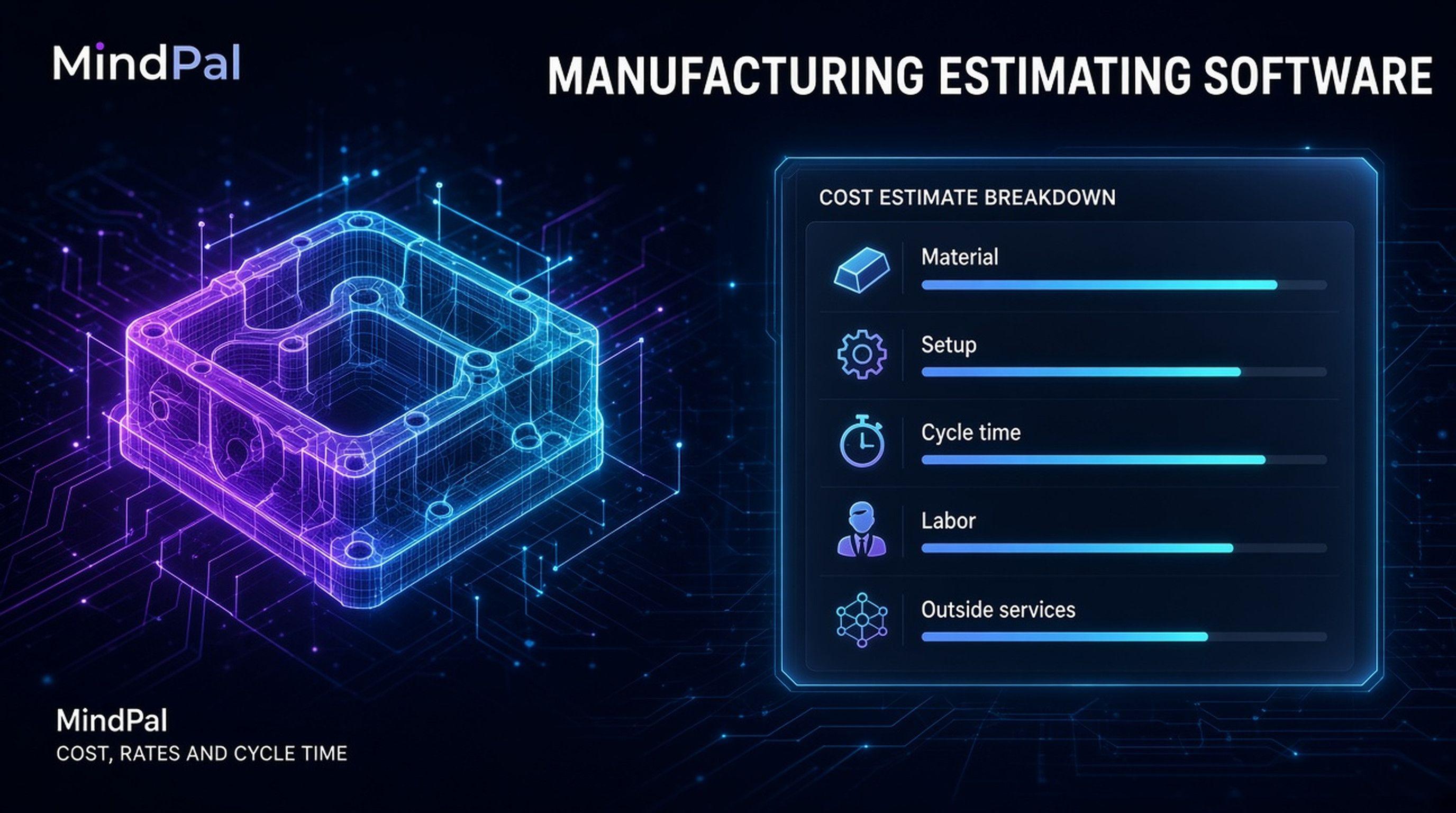
Two estimators can look at the same print and come back with two different costs. One used last quarter's material price. The other missed a second setup, or priced heat treat as if it were still done in-house. The customer never sees that disagreement. They just see a number, and later you find out whether it covered the job.
Manufacturing estimating software is meant to make that number something you can stand behind: a cost built from your material, your machines, your rates and your outside services — not a guess typed into a spreadsheet under time pressure.
This article is about that cost. For a side-by-side of quoting and estimating tools, including published prices, see our comparison of manufacturing quoting software. If you run a job shop or machine shop and the bottleneck is the RFQ inbox, see job shop and machine shop quoting software.
The short answer
Manufacturing estimating software calculates what a job will cost your shop. It adds up material, setup, cycle time, labor, outside processing and overhead using rates you maintain. That is a different step from quoting, which turns the cost into a customer price — margin, quantity breaks, lead time and terms.
Most job-shop tools do both. If two people in your shop get different numbers for the same part, the estimating engine is the part to fix first. If your costs are already trusted and quotes still go out late, the bottleneck is delivery, not the cost model.
A useful test: take a job you already ran, and whose actual cost you know, and put the original print through the software. If the estimate is off, it is usually the rates, the material price or a missing operation — not the geometry measurement.
Estimating vs. quoting: two steps, one number the customer sees
Buyers often search for "manufacturing estimating software" and "manufacturing quoting software" as if they were the same product. They describe two steps in the same process.
Estimating answers: what will this job cost us? The inputs are the part (a print, a model, a bill of materials) and the shop (machine rates, labor, material, outside vendors). The output is a cost, often broken down by operation.
Quoting answers: what do we tell the customer? The cost is marked up, quantity breaks and lead time are added, and a PDF or portal page goes out. Terms, freight and validity dates belong here, not in the cost model.
Cost estimating software for manufacturing can be a dedicated estimating package, or the costing engine inside a quoting tool. Configure-to-order (CPQ) software is a third thing: it prices a catalog from product rules, not from the geometry of a custom part. If dealers pick options from your catalog, you are not looking for estimating software.
Keep the two steps visible inside the tool. When a cost and a sell price live in the same cell, you cannot tell whether a thin quote came from a bad estimate or from a discount that should never have been applied.
What goes into a manufacturing cost estimate
A defensible estimate is a list of costs, not a single lump. The categories rarely change from shop to shop. What changes is how carefully each one is kept up to date.
Material. Stock size, grade, nest or bar yield, and the price you actually pay — not a catalog list from last year. For sheet, that includes remnant and drop. For bar and plate, it includes cutoff and unusable ends. If the customer specified a certified grade or a particular mill, the estimate has to use that price, not a generic substitute.
Setup. Fixture time, programming, first-article checks, tool changes between operations. Setup is easy to undercount when someone is in a hurry, and it dominates the cost on short runs. A good estimate shows setup separately from run time, so a quantity change does not hide it.
Cycle time. The minutes the part actually occupies the machine or the workstation: cutting, burning, bending, welding, finishing. Cycle time multiplied by the machine or work-center rate is usually the largest labor-and-burden number on a CNC or fabrication estimate.
Labor off the machine. Handling, deburr, inspection, packing, assembly. These are often left in someone's head and then forgotten, especially on work that looks "simple" on the print.
Outside services. Heat treat, plating, grinding, painting, powder coat, special inspection. The estimate needs the vendor's current price and the added lead time, not a number remembered from a similar job.
Overhead and profit. Some shops fold burden into the machine rate. Others add it as a separate line. Either method is fine if it is consistent and if everyone quoting uses the same method.
Manufacturing estimation software — people also search for "manufacturing estimate software" — should let you see these lines, change them, and leave a note about why. An estimate you cannot audit is only a slightly faster guess.
Shop rates, and why two estimators get different numbers
Software can measure a part precisely and still produce a cost you would not stand behind. The usual reason is the rate file.
Shop rates go stale. A laser rate that was right two years ago may not cover a new machine, a different shift pattern or a higher consumable cost. Material moves, and a spreadsheet copy on someone's desktop does not. Outside vendors change prices without sending you a new rate card for the software.
Two other sources of disagreement are quieter. One estimator includes a second setup; the other assumes the part stays in the same fixture. One adds inspection at a real labor rate; the other treats it as free because "we always do that." Neither person is trying to be wrong. They are using different unwritten rules.
Manufacturing estimating software only helps if those rules are written down: which work centers exist, what they cost per hour, how setup is charged, when a secondary operation is assumed, and who is allowed to change a rate. The first week with a new tool is less about installation than about sitting down with whoever actually knows the numbers and loading them once, carefully.
If you cannot point to a current rate for a machine or an outside process, the software will invent a sense of precision that is not there.
Cost estimating software for manufacturing vs. a spreadsheet
Most shops already estimate in a spreadsheet, and many of those spreadsheets work. The question is not whether a spreadsheet can hold a cost model. It can. The question is what happens when the inbox is full and the model has to be reused on a part nobody has seen before.
Typical failure modes:
- The same part, two files. Copies diverge. Last quarter's material price survives in one of them.
- Geometry is typed by hand. Hole counts, cut lengths and thicknesses get entered from a print, and a missed feature only shows up on the floor.
- Setup and outside work depend on memory. If the estimator who knows the customer is out, the quote waits, or someone guesses.
- There is no trail. When a job comes in over or under, you cannot see which assumption was wrong.
Cost estimating software for manufacturing earns its keep when it reads the part (a PDF, DXF or STEP file, not only a form you fill in), applies the same rate file every time, and leaves a breakdown you can compare with actuals after the job ships. It does not replace the estimator. It stops the estimator from retyping the part and from using a private version of the rates.
If your process is already consistent and your volume is low, a well-kept spreadsheet may still be enough. The signal that it is not: you would not let a second person send a quote from the file without checking their work.
CNC and machine-shop estimating
CNC estimating software is a narrower slice of the same problem. The cost still comes from material, setup and cycle time, but the cycle-time model has to understand tools, feeds, operations and sometimes fixtures, not only a flat-pattern cut length. "CNC machining estimating software" and "machine shop estimating software" are the phrases people use when that is the work they do.
The estimating principles above still apply. What changes is the file and the rate: a 3D model or a dimensioned print, and a machine-hour rate that reflects the actual work center, not a single plant-wide number.
The quoting workflow around that estimate — how a job shop or machine shop gets from a messy RFQ to a priced PDF — is a separate problem, and it is covered in our guide to job shop and machine shop quoting software. For a practical look at quoting CNC work without leaking margin, see our CNC quoting guide.
Where MindPal Forge fits
MindPal Forge is MindPal's quoting and estimating product for US and Canadian metal fabrication shops and machine shops. It is built for custom parts, not for configure-to-order catalogs.
Forge reads the files shops actually receive — PDF, DXF, STEP, IGES, STL, scans, photos and mixed ZIP packs — measures the parts, and calculates a cost from your machines, materials and rates: material, operations, setups, labor and purchased items. The estimator reviews the breakdown, adjusts what needs adjusting, and sends the quote. Forge does not replace your ERP; it is meant to sit alongside it.
You can upload a DXF, STEP or PDF to the instant quote demo and see an itemized estimate, with no signup. That demo is a way to judge the reading and the costing, not a substitute for loading your own rates. If you want Forge set up on your machines and rate file, talk to us about a shop pilot.
For how Forge compares with other quoting and estimating tools, including which vendors publish a price, use the manufacturing quoting software comparison.
What to check before you buy manufacturing estimating software
Use this as a working checklist, not a scorecard. Ask to see each item on one of your own parts.
- Your rates, not the vendor's sample file. Can you load work-center rates, material prices and outside-service costs, and keep them in one place? If a demo looks accurate on sample data, that tells you nothing about your shop.
- A breakdown you can audit. Material, setup, cycle time, labor and outside work should be visible as separate lines, with enough detail to compare against a job that already shipped.
- The files you actually get. If your customers send PDFs and scans, a tool that only opens a clean 3D model will not estimate the work in your inbox.
- Quantity and material changes. Changing the quantity should move setup and run time the way your shop actually behaves. Changing material or thickness should recalculate, not force a new estimate from scratch.
- An estimator in the loop. Automatic is useful only if someone who knows the shop can override a rate, add an operation or reject a bad read before a price goes out.
- A path to actuals. You will want to compare estimates with what the job really cost. If the tool cannot export a breakdown, or cannot connect to the system where you already track jobs, that comparison will never become routine.
- Implementation that is mostly your rates. Estimating software should not take months because the product is complicated. It takes time because someone has to load and check your numbers. Ask who does that work, and how a pilot on your own RFQs is run.
If you are still deciding between tools, the 13-tool comparison is the place to start. If you want to see what an estimate looks like on one of your parts, try the instant quote demo. To find shops, materials or suppliers, use the machine shop directory.
Frequently asked questions
What is manufacturing estimating software?
Manufacturing estimating software calculates what a job will cost a shop: material, setup, cycle time, labor, outside services and overhead, using the shop's own rates. It is used by estimators and shop owners who price custom or build-to-print work, rather than by sales teams configuring a catalog.
What's the difference between estimating software and quoting software?
Estimating software works out what a job costs you. Quoting software turns that cost into a customer price, with margin, quantity breaks, lead time and terms. Many tools do both. If the problem is inconsistent costs, start with the estimating engine. If costs are trusted and quotes are just slow to leave the building, look at quote delivery. We walk through both, and through CPQ, in our quoting software guide.
What does cost estimating software for manufacturing actually calculate?
At minimum: material (including yield), setup, run or cycle time, off-machine labor, and outside processing, each at a rate you can edit. Better tools also show quantity breaks, material or process alternatives, and a line-by-line breakdown you can compare with actual job cost.
How accurate is manufacturing estimating software?
Only as accurate as the rates and rules you load. A tool can measure a part carefully and still be wrong if your machine rates, material costs or setup assumptions are out of date. The honest check is to run a job you already made, whose actual cost you know, and compare the estimate with what happened. Treat any vendor claim of a single accuracy percentage with caution unless you have seen it on your own work.
Can estimating software use our shop rates and ERP data?
It should use your shop rates; that is the point. Whether it can pull material prices or item data from an ERP depends on the product and the exact connection. Ask to see the integration on your system, not a slide about "ERP-ready." Some shops keep rates in the estimating tool and export the result into the ERP job. Either path works if you are not maintaining two conflicting rate files.
Is manufacturing estimation software the same as quoting software?
People use "manufacturing estimation software," "manufacturing estimate software" and "manufacturing estimating software" for the same kind of product: a tool that builds a job cost. Quoting is the next step — turning that cost into a customer-facing price. When you compare products, ask which of those steps each one actually does, and whether it is built for custom parts or for catalog configuration.
Share this blog post via
Read other articles
1 / 0
SOLUTIONS
CLIENTS
INSIGHTS

This site is protected by reCAPTCHA and the Google Privacy Policy and Terms of Service apply.
Copyright © MindPal 2026. All Rights Reserved.