November 26, 2026
Quoting from a DXF, STEP or PDF: What Each File Tells You
13 min read
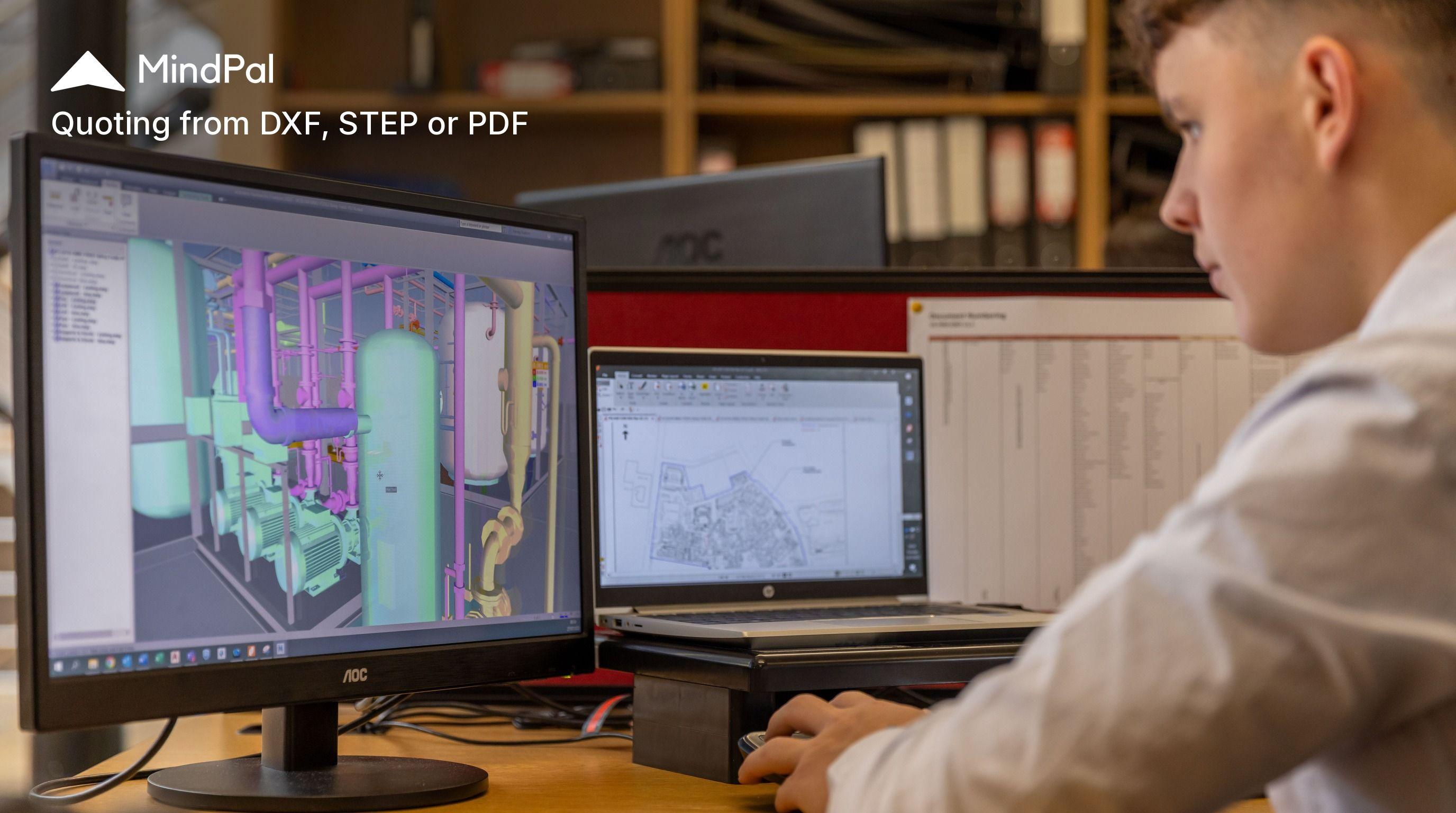
RFQs arrive as whatever the customer had to hand: a STEP model from engineering, a DXF exported for a laser shop years ago, a PDF print with a revision block, a phone photo of a sketch, or all of them in one ZIP. Each file carries different information. A good quote uses them together, and notices what is missing.
This guide explains what each file type is good for, how that differs between CNC and sheet metal work, and when to stop and ask. For the full quoting methods, see how to quote a CNC machining job and how to quote sheet metal fabrication.
The short answer
A STEP or other solid model gives the 3D geometry: stock size, features and, for sheet metal, the shape you unfold into a flat pattern. A DXF is the 2D profile used for laser, plasma, waterjet or punch, and often the developed blank. A PDF drawing carries the dimensions, tolerances, material, finish, notes and revision that the model may not. A careful quote uses the files together, checks that they agree, and asks the customer when something is missing.
What each file type is good for
STEP (.stp, .step). A neutral 3D format defined by ISO 10303-21 and described by the Library of Congress. Most CAD systems export it. It gives exact solid geometry: overall size, holes, pockets, bends, wall thickness. Many STEP files, especially geometry-only AP203 or AP214 exports, arrive without tolerances or notes, even when the original CAD model had them.
DXF (.dxf). A 2D drawing exchange format published by Autodesk and described by the Library of Congress. In a fab shop it is usually the cutting profile: outline, holes and slots in one plane. It may include bend lines, or it may not. It does not tell you material, thickness or tolerance unless someone typed them into a layer or a note.
PDF drawing. The document the customer will hold you to. It carries the title block, revision, material and thickness, finish, hardware callouts, general and feature tolerances, GD&T, weld symbols and notes such as "break all edges" or "no tool marks on cosmetic face."
Other files. IGES and STL are older or mesh formats; they can give shape, but STL in particular loses exact geometry. Native CAD files need the right software. Photos and scans can show intent but rarely enough to price tight work.
NIST describes the information that drawings traditionally carry — dimensions, tolerances, notes, surface finish, material and process specifications — as product and manufacturing information, or PMI. Its model-based enterprise PMI project tests how well CAD software carries that information in 3D models and STEP files, so that downstream software can read it. Until that is normal in your customers' RFQs, the PDF is usually where it lives.
CNC jobs: stock, features and the drawing notes
For a machined part, the model and the drawing do different jobs.
- From the STEP: overall size (so you can choose stock), features (pockets, holes, threads, undercuts), how many setups the part needs, and roughly how much material comes off.
- From the PDF: material and temper, tolerances and GD&T, thread specs, surface finish, heat treat, plating or anodizing, inspection requirements, and the revision you are quoting.
Tolerances drive cost. A tight bore or a flatness callout changes the process, the tooling and the inspection time, and it usually lives only on the drawing. A STEP-only RFQ forces you to assume a general tolerance. If you do, write it on the quote.
The full CNC sequence is in how to quote a CNC machining job.
Sheet metal jobs: the model, the flat pattern and the DXF
For sheet metal, the question is how you get to the flat blank.
- A bent STEP model has to be unfolded with your bend allowance or K-factor. That gives you the blank, the bend count and the flange lengths. If the model was drawn as a solid rather than as sheet metal, unfolding may fail or need rework.
- A flat-pattern DXF gives the blank directly. Check whether it was developed for your tooling and material; a blank developed by another shop's bend deductions may not form to size on your brake.
- A DXF with no bend lines may be a flat part, or a bent part whose bends you cannot see. Ask.
- The PDF gives thickness, material, finish, hardware (inserts and studs), weld callouts and tolerances on formed dimensions.
Once you have the blank, the rest of the quote follows: material from the nest, laser cutting time and press brake time.
What a PDF-only RFQ leaves open
Plenty of RFQs are still a PDF and nothing else. You can quote from them, but you are rebuilding geometry by hand.
What a PDF alone can leave open:
- Exact profiles for curves, slots and irregular shapes that are not fully dimensioned
- The flat pattern of a bent part
- Hidden features that only show in a section view the drawing does not include
- Scale, if the drawing is not to scale or has been printed and scanned
For simple parts, a dimensioned print is enough. For complex profiles, ask for a STEP or DXF before you quote, or state that the price assumes the customer will provide one before production.
When to stop and ask the customer
Ask before you quote — not after you cut — when:
- The model and the drawing disagree on a dimension, hole size or revision
- Material, thickness, temper or finish is missing
- There is no tolerance block and the part looks tight
- A bent part has no flat pattern and the model will not unfold cleanly
- The quantity, the delivery date or who supplies material is unclear
- Hardware, welding or finishing is implied but not called out
When the files disagree, the usual rule is that the drawing at the stated revision governs. Confirm it anyway, and write which file and revision you quoted from on the quote.
How quoting software reads these files, and what it still misses
Quoting software is mostly a way to get through this reading faster. A good tool opens the STEP, DXF and PDF together, measures the geometry, unfolds sheet metal, picks up material and notes from the drawing, and lays it all out for the estimator.
What it can still miss: a note in a corner of the print, a tolerance that changes the process, a model that does not match the latest revision, or a customer's unwritten "same as last time." The estimator checks the read before a price goes out.
MindPal Forge is MindPal's quoting and estimating product for US and Canadian metal fabrication shops and machine shops. It accepts PDF, DXF, STEP, IGES, STL, scans, photos and ZIP packs, reads the documentation and the geometry, and calculates a cost from your machines, materials and rates. The estimator reviews the breakdown and sends the quote. You can upload a DXF, STEP or PDF to the instant quote demo with no signup and see how it reads a real file; it uses sample rates, so judge the read and the breakdown, not the price.
For how software choices differ, see job shop and machine shop quoting software, sheet metal quoting software and the 13-tool manufacturing quoting software comparison.
Frequently asked questions
Can you quote a CNC or fab job from a STEP file alone?
You can price the geometry: stock size, features, and the flat pattern of a sheet metal part. What is usually missing is material, tolerances, finish, threads and notes, which normally live on the drawing. If you quote from a STEP alone, state the material and general tolerance you assumed.
What is a DXF used for in quoting?
A DXF is usually the 2D cutting profile for laser, plasma, waterjet or punch work, and often the developed flat blank of a bent part. It gives cut length, holes and outline. It does not carry material, thickness or tolerances unless someone added them as notes.
Can you quote from a PDF drawing?
Yes, especially for simple, fully dimensioned parts. The PDF carries material, tolerances, finish and notes. For complex curves or bent parts without a flat pattern, ask for a STEP or DXF, or state that the price assumes one will be supplied before production.
What if the model and the drawing disagree?
Ask the customer before quoting. A common rule is that the drawing at its stated revision governs, but confirm it, and write on the quote which file and revision you priced.
Do I need a flat-pattern DXF to quote a bent part?
Not always. You can unfold a sheet metal STEP model with your own bend allowance or K-factor. A flat DXF from the customer saves time, but check that it was developed for your tooling and material, or the formed part may not come out to size.
What should a buyer send with an RFQ?
A STEP model, a PDF drawing at the current revision, a flat-pattern DXF for sheet metal if they have one, the quantities, the required delivery date, material and finish, and who supplies material. The more of that arrives together, the faster and more accurate the quote.
Share this blog post via
Read other articles
1 / 0
SOLUTIONS
CLIENTS
INSIGHTS

This site is protected by reCAPTCHA and the Google Privacy Policy and Terms of Service apply.
Copyright © MindPal 2026. All Rights Reserved.