November 28, 2026
Quoting Software for Contract Manufacturers: Handling Build-to-Print RFQs
17 min read
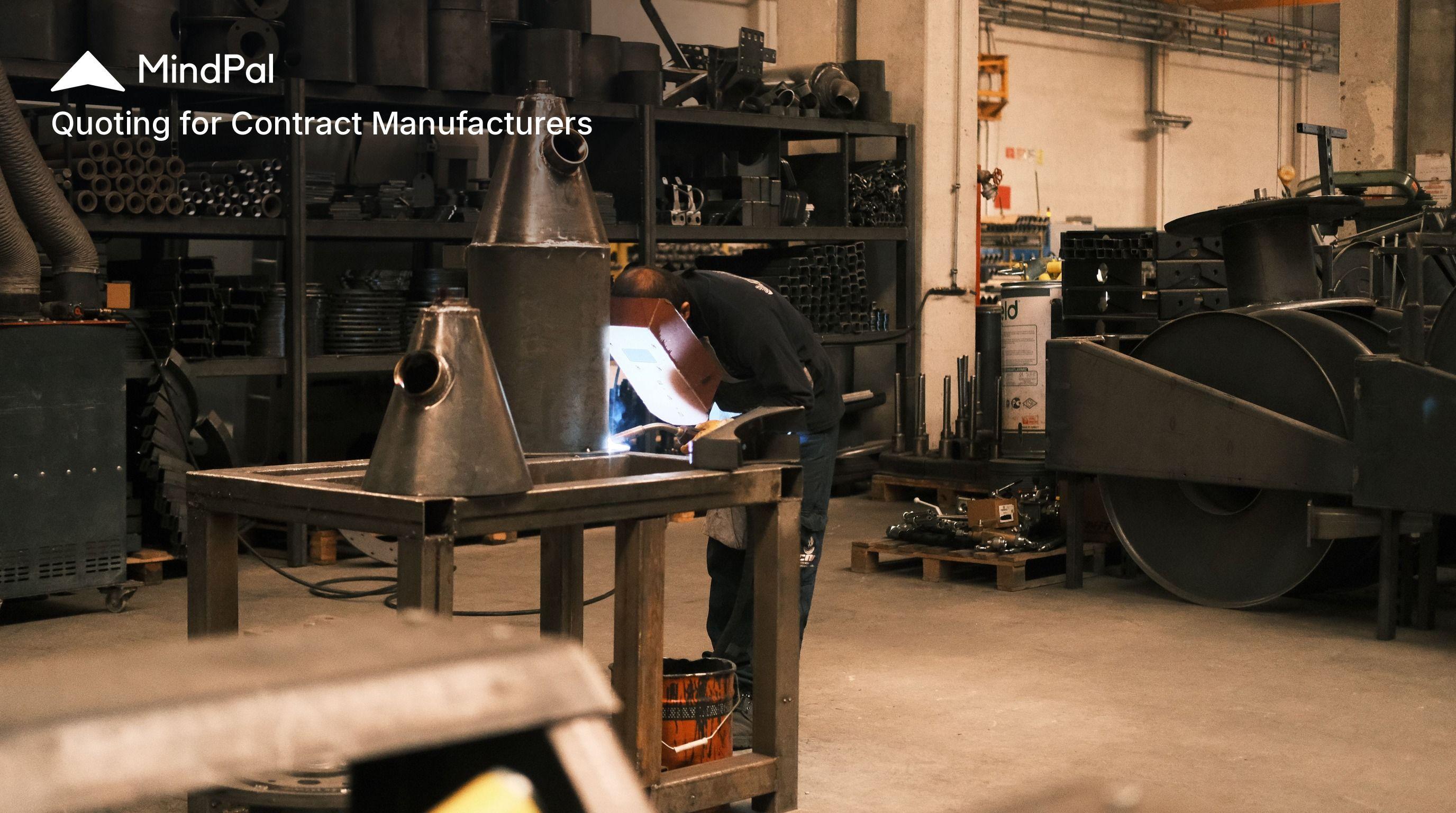
A contract manufacturer's inbox is mostly other people's designs. An OEM sends a drawing package, a quantity and a date, and asks for a price. Your shop did not design the part, so you cannot guess at the intent. You have to price what the print says.
This guide covers what quoting software has to do for a fab shop or machine shop that takes build-to-print work, what a complete RFQ pack looks like, which questions to ask at intake, and what to check before you buy. For the vendor-by-vendor tables, see the 13-tool manufacturing quoting software comparison.
The short answer
Quoting software for contract manufacturers turns an OEM's build-to-print RFQ into a cost and a price the same way every time. It reads the drawing package, builds the cost across every process the part needs, applies your rates and your quantity tiers, and keeps a record of what you quoted against which revision.
It does not replace the estimator. It takes the reading and the arithmetic off the desk so that the estimator spends the time on the part of the RFQ that needs judgment: the tolerances, the risk and the delivery date.
What a build-to-print RFQ should contain
"Build to print" means the customer owns the design and the shop makes the part to the customer's drawing. A quote is only as firm as the package behind it. A complete one usually has:
- Part number and revision, matching across every file. The drawing, the model and the parts list should all be the same revision.
- A readable drawing. Usually a PDF, with the material, finish, tolerances, thread callouts and notes on it.
- A 3D model. Usually STEP. STEP (ISO 10303-21) is the common neutral 3D format, described by the Library of Congress here.
- Which file governs. Typically the model gives the geometry and the drawing gives the tolerances and notes. Say so, and say what happens if they disagree.
- Material grade and condition. "Stainless" is not a specification. The grade, the condition and any certificate requirement belong in the RFQ, not after the order.
- Finish and outside processes. Coating, plating, heat treat, paint, with any thickness or appearance requirement.
- Quantities. The sample or prototype quantity, the first production release, and any expected repeat volume. These are different prices.
- Inspection and documentation. Critical dimensions, first-article requirements, reports, material certs.
- Packaging and delivery. Where it ships, the date needed, and any special packing.
Real RFQs are rarely this tidy. They arrive as a PDF only, a model with no drawing, a ZIP of mixed revisions, or "same as last time, but 200." Quoting software for a contract shop has to cope with the messy version, and flag what is missing instead of pricing the shape and moving on. For what each file does and does not tell you, see quoting from a DXF, STEP or PDF.
If the print calls out geometric tolerancing, the governing document is usually the ASME Y14.5 Dimensioning and Tolerancing standard, or an equivalent the customer names. A tolerance stack that your machines cannot hold is a quote risk, not a software problem. Software can flag it. An estimator has to decide it.
One part, several processes
Contract work is often a routing, not a single operation: laser or plate cutting, forming, welding, machining, finishing, then inspection. A structural or plate weldment may carry cutting, fit-up, welding and a machined interface on the same part number.
A quote tool that only prices one kind of work will price the easy half of your inbox. Look for per-process lines, each at its own work center rate, so the estimator can see where the cost sits:
- For sheet metal, cutting, forming and nesting: sheet metal quoting software, laser cutting cost and press brake bending cost.
- For machined parts and CNC contract work: CNC quoting software and how to quote a CNC job.
- For the rates behind every line: how to calculate a shop rate.
The Fabricator makes a point that applies to a mixed routing: standard formulas per department, used with a department sell rate, give consistent estimates no matter who is quoting.
Quantity tiers and repeat orders
OEM buyers often ask for several quantities, and they often come back. Both change how the quote should be built.
Setup is the reason. The Precision Machined Products Association's Miles Free gives the arithmetic for machined work: manufacturing cost per part is cycle time per part plus setup time divided by the number of pieces, multiplied by the machine's hourly rate. He notes that when setup time equals the time to make the run, the cost of each piece doubles, and he recommends getting the quantity increased or agreeing a setup charge on small orders. The same logic applies to a fab job with a long setup or a special fixture.
For a contract shop that means:
- Quote the tiers the buyer asked for, and show setup separately so the price breaks make sense.
- Keep the quote tied to a part number and revision, so a repeat order starts from what you quoted before, and a revision change gets re-reviewed instead of repriced from memory.
- Decide whether tooling or a fixture is charged once or spread across the quantity, and say so on the quote.
Intake flags: controlled goods and export-controlled work
Some OEM work carries legal controls, and the shop should find out at the RFQ stage, not after the order. This is not legal advice. It is a prompt to ask the customer and check the rules that apply to your shop.
- Canada. The Government of Canada says an individual or organization in Canada must register in the Controlled Goods Program before they examine, possess or transfer controlled goods or technology, and before they receive bid solicitation documents containing controlled goods or controlled technology. The program's eligibility page adds that it is the owner or creator of an item who determines whether it is a controlled good, so ask the customer.
- United States. Under the International Traffic in Arms Regulations, any person who engages in the United States in the business of manufacturing defense articles is required to register with the Directorate of Defense Trade Controls. One occasion of manufacturing is enough, and a manufacturer who does not export must still register.
Your quoting process should have a place to record the answer: a flag on the RFQ, a note on the customer, and a rule that nobody sends a drawing package on to another shop until the flag is checked. Software can hold the flag. It cannot decide the answer.
Why speed and consistency matter here
OEM buyers send the same package to several shops. A quote that is slow, or that changes depending on who built it, is a quote you lose or, worse, win and lose money on. We cover turnaround in RFQ response time and what to measure in quote win rate. The point for software is simple: the same inputs, the same rates, the same rules, a breakdown anyone on your team can follow.
Quoting software vs. RFQ marketplaces
These are different tools. An RFQ marketplace routes customer jobs to shops. Quoting software is what the shop uses to price the RFQ that arrives, whichever way it arrived: by email, by customer portal, by a repeat customer's buyer, or from a marketplace. If your question is "how do I price this OEM package faster and more consistently," you are looking for quoting software.
Where MindPal Forge fits
MindPal Forge is MindPal's quoting and estimating product for US and Canadian metal fabrication shops and machine shops that quote custom parts from customer drawings.
You drop in what the customer sent: PDF, DXF, STEP, IGES, STL, scans, photos or a ZIP pack. Forge reads the documentation and the geometry, measures the parts, and calculates a cost from your machines, materials and rates. The estimator reviews the breakdown, adjusts what needs adjusting, and sends the quote.
To see it on a real part, upload a DXF, STEP or PDF to the instant quote demo. There is no signup. The demo uses sample rates, so treat it as a test of the read and the breakdown, not as your sell price. To run Forge on your own rates, talk to us about a shop pilot.
Forge is not the only option. For a fair shortlist, see MindPal Forge alternatives and the 13-tool comparison.
What to check before you buy
Bring three or four real OEM packages to every demo, including a messy one. Then ask:
- Does it read what OEMs actually send? A PDF-only print, a STEP with notes on a separate drawing, a ZIP of mixed revisions.
- Does it flag what is missing? Material grade, finish, revision mismatch, a tolerance it cannot read.
- Can it price a routing, not one operation? Cutting, forming, welding, machining and finishing, each at its own rate.
- Can we quote several quantity tiers? With setup shown separately.
- Is the quote tied to a part number and revision? So a repeat order starts from the last quote.
- Can we load our own rates and material prices? A quote built on someone else's defaults is a guess.
- Can the estimator see and change every line? If you cannot see why a price is what it is, you cannot defend it to a buyer.
- Where is the compliance flag? A place to record controlled-goods or export-control answers at intake.
- What happens to our customers' drawings? Who can see them, and whether they are used to train anything. Your NDAs may depend on the answer.
- What does a pilot look like? Run it on packages you already quoted and compare.
Frequently asked questions
What is quoting software for contract manufacturers?
It is software that turns an OEM's RFQ into a cost and a price. It reads the customer's drawing package, builds the cost across the processes the part needs, applies your rates and quantity tiers, and lets an estimator review the breakdown before the quote goes out.
What should a build-to-print RFQ include?
At minimum, a part number and revision that match across the files, a readable drawing, a 3D model if there is one, which file governs, the material grade and condition, the finish, the quantities, the inspection and documentation requirements, and the delivery date and packaging. If something is missing, the shop should ask before pricing, not assume.
What are the capabilities of an online quoting tool for custom parts?
It depends on the tool, so test it on your own parts. Look at which files it reads (PDF, DXF, STEP and others), whether it prices the real process route or only the shape, whether it uses your rates, and whether an estimator can review and change the result. MindPal Forge accepts PDF, DXF, STEP, IGES, STL, scans, photos and ZIP packs, and the instant quote demo lets you see an itemized estimate with sample rates.
Which quoting software handles build-to-print RFQs best?
There is no single best one. The right tool is the one that reads your customers' packages, prices your processes at your rates, and leaves your estimator in charge. Compare tools on your own RFQs. For a shortlist, see the 13-tool comparison and MindPal Forge alternatives.
Does it work for CNC contract manufacturers as well as fab shops?
It should, if you do both. Machine-shop work is priced on stock, setup and cycle time, and fab work on flat blanks, nesting, cutting, forming and welding. Check that a tool prices both on their own rates. See CNC quoting software and sheet metal quoting software.
Do I need to check for controlled goods or ITAR work when I get an RFQ?
You should ask. In Canada, the Controlled Goods Program requires registration before you examine, possess or transfer controlled goods or technology, and before you receive bid solicitation documents containing them. In the United States, anyone who manufactures defense articles must register with the Directorate of Defense Trade Controls. Ask the customer at intake and check the rules that apply to your shop.
Is there a way to try MindPal Forge on a real part?
Yes. You can upload a DXF, STEP or PDF to the instant quote demo with no signup and see an itemized estimate. It uses sample rates, so it shows how Forge reads and breaks down the part, not your shop's sell price.
Share this blog post via
Read other articles
1 / 0
SOLUTIONS
CLIENTS
INSIGHTS

This site is protected by reCAPTCHA and the Google Privacy Policy and Terms of Service apply.
Copyright © MindPal 2026. All Rights Reserved.